If this is your first visit, be sure to
check out the FAQ by clicking the
link above. You may have to register
before you can post: click the register link above to proceed. To start viewing messages,
select the forum that you want to visit from the selection below.
Nics snaps Art... do you mind if I give some critical advice on a few shots? via PM?
Here are a couple of photos I have taken recently... both from our garden.
cheers.
No as I said in the thread starter I would appreciate some feedback and pointers to improve my photos. I know my equipment is good enough, but much like my golf game, it often seems like a minor miracle when a shot turns out the way I envision it. I would love some feedback and feel free to make it public (I realize why you are gun-shy about doing that) I'm sure it will be helpful to others as well as myself.
Edit: I saved the RAW files so if any of your advice deals with cropping or something else I can change with photoshop, all the more helpful.
Last edited by Art Vandelay; 06-28-2010, 06:01 PM.
I have a question for the photographers. One of my employees has a brother who works for Adobe or Microsoft or something like that, and he can get Adobe products for very cheap through his company store. He can get me (legitimately) Adobe Photoshop CS5 for $40 (that's the one that retails for $699). He said that there's another program by Adobe, Lightroom 3 that he can get us for $25 and he suggested that we research it to see if that would be better for our needs.
We're completely amateur photographers, and we don't even have a real SLR - we have a full-body Panasonic Lumix - better than a regular point & shoot, but not an SLR (although we're going to get an SLR soon. It does take nice pictures, and can take RAW images, so my wife wants to learn how to use photoediting software. We're probably just going to use it on our personal photos.
Does anyone know if Lightroom 3 might have what we're looking for (and maybe easier to use) or if we should go ahead and get Photoshop? We could maybe get both, but the brother only has a limited number of things he can get through the company store, and I don't want to push it.
If we disagree on something, it's because you're wrong.
"Somebody needs to kill my trial attorney." — Last words of George Harris, executed in Missouri on Sept. 13, 2000.
"Nothing is too good to be true, nothing is too good to last, nothing is too wonderful to happen." - Florence Scoville Shinn
I have a question for the photographers. One of my employees has a brother who works for Adobe or Microsoft or something like that, and he can get Adobe products for very cheap through his company store. He can get me (legitimately) Adobe Photoshop CS5 for $40 (that's the one that retails for $699). He said that there's another program by Adobe, Lightroom 3 that he can get us for $25 and he suggested that we research it to see if that would be better for our needs.
We're completely amateur photographers, and we don't even have a real SLR - we have a full-body Panasonic Lumix - better than a regular point & shoot, but not an SLR (although we're going to get an SLR soon. It does take nice pictures, and can take RAW images, so my wife wants to learn how to use photoediting software. We're probably just going to use it on our personal photos.
Does anyone know if Lightroom 3 might have what we're looking for (and maybe easier to use) or if we should go ahead and get Photoshop? We could maybe get both, but the brother only has a limited number of things he can get through the company store, and I don't want to push it.
My opinion:
Lightroom allows you to "assembly line" your photo processing. If you do the same repetitive tasks over and over, if you like the same filters and take similar photos, Lightroom can really speed up things. Wedding photographers take similar photos, and use the same backdrops, so they might want to use Lightroom. Robin would know a lot more about this. SG also uses assembly process a lot, he's familiar with other software for this. I would PM them.
If you like to continually mess with your post production, if you like to try lots of different post production processes, if you have an awful lot of time to learn the software, or if you dont mind taking a class or buying a guidebook, you might want Photoshop. Its the standard of the graphics world. Once you buy Photoshop, you will probably want to buy expensive commercial filters for it that can add up quickly.
This will give you an excuse to drag out your camera for the 4th of July. These suggestions are from Thom Hogan
1. Arrive early. Look for a good place to set up and get your tripod set. Try not to camp out next to light sources, such as a supermarket neon sign, or a street light.
2. Dont expect to be able to focus with your viewfinder. Set your camera to manual and your focus to infinity.
3. Set your ISO to the slowest speed you have. For most people, this will be ISO 100.
4. Do not enhance your picture contrast or your saturation levels. According to Hogan, you'll get enough color intensity from the fireworks without ramping up these levels in-camera.
5. Keep your aperture between f/8 (fireworks far away) and f/16 (fireworks up close).
6. Set your shutter speed to super long, or bulb. This will allow you to get photos of fireworks trails, or multiple bursts of fireworks.
7. Report back. Post your pix next week.
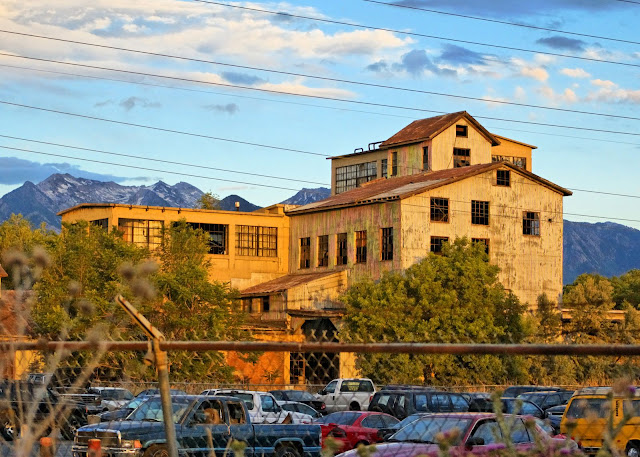
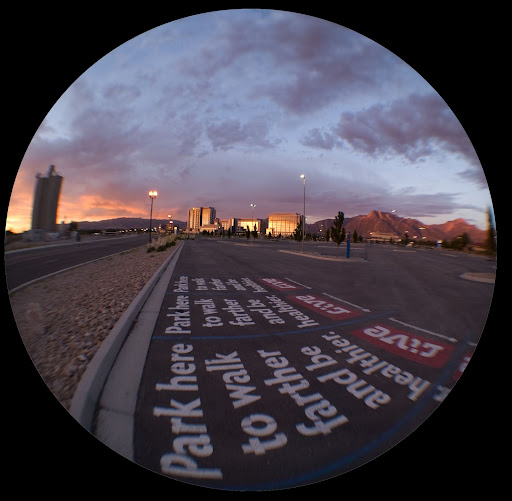
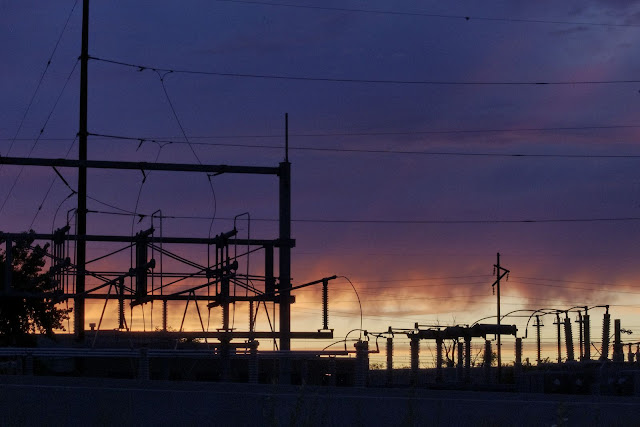
Experimenting with: Cheap Dioptic 0.20 fisheye add-on $39.95 [ame="http://www.amazon.com/gp/product/B001K5UQX0/ref=oss_product"]Amazon.com: Opteka HD² 0.20X Professional Super AF Fisheye Lens for Nikon D40, D40x, D5000, D50, D60, D70, D70s, D80, D90, D100, D200, D300, & D700 Digital SLR: Camera & Photo@@AMEPARAM@@http://ecx.images-amazon.com/images/I/51psUtvZfcL.@@AMEPARAM@@51psUtvZfcL[/ame], post processing with Dx0 Pro 6 to reduce artifacts, fringing, color shifts, and a whole bunch of bad results due to using cheap dioptic fisheye lens, then faux HDR in Dx0 Pro, because I neglected to shoot raw so no real HDR.
Experimenting with: Dioptic 0.20 fisheye add-on, post processing with Dx0 Pro 6 to reduce artifacts, fringing, color shifts, and a whole bunch of bad results due to using cheap dioptic fisheye lens, then faux HDR in photoshop, because I neglected to shoot raw so no real HDR.
I believe you mean 'virga.' Verga es otra cosa.
"Wuap's "problem" is that he is smart & principled & committed to a moral course of action. His actions are supposed to reflect his ethical code.
The rest of us rarely bother to think about our actions." --Solon
Lightroom allows you to "assembly line" your photo processing. If you do the same repetitive tasks over and over, if you like the same filters and take similar photos, Lightroom can really speed up things. Wedding photographers take similar photos, and use the same backdrops, so they might want to use Lightroom. Robin would know a lot more about this. SG also uses assembly process a lot, he's familiar with other software for this. I would PM them.
If you like to continually mess with your post production, if you like to try lots of different post production processes, if you have an awful lot of time to learn the software, or if you dont mind taking a class or buying a guidebook, you might want Photoshop. Its the standard of the graphics world. Once you buy Photoshop, you will probably want to buy expensive commercial filters for it that can add up quickly.
Lightroom is my favorite photography product. It serves several important photo purposes:
RAW File Handling: I strongly encourage everyone who has a camera that shoots RAW images to use that file type exclusively. RAW images allow you to white balance and filter your image AFTER the shoot, without ANY degradation of the image. Every camera that shoots RAW will come with the software to properly expose those images, but LR3 has a better interface than any of those.
Photo Organization: LR3 is a photo organization tool. It has everything you need to categorize, tag, add/manipulate metadata, search by date/lens/camera, rate and label your photos. This really matters when you are trying to find the one photo out of many thousands.
Perfect Exposure: A moment ago I encouraged everyone to shoot RAW photos. One of the best reasons to do so is because a RAW images is the very best for creating the perfect exposure. Are your shadows too dark? Sometimes there is more detail there than first meets the eye. Are you highlights blown out? Maybe not as bad as you think. One of Lightrooms strongest features is how it allows you to create the best possible exposure that can be extracted from your original file. Perfect exposures start in the field, but if the photo falls a little short of perfect, Lightroom can carry it the last few yards.
Nondestructive Image Editing: LightRoom is NOT a pixel-pusher. In other words, it is not the program you would use to put a mustache on your two-year-old kid. Nondestructive editing means that changes you make to the photo are saved as a kind of overlay, and never change the original. In Lightroom, you are always working a copy of the original. This is useful when you want to consider working a particular image in several different ways. You can create as many digital copies of the same photo as you like, and pick the best one when you are done. Likewise, you can easily strip away all of those overlays and get back to the original image.
Nondestructive Image Editing II: The kinds of editing you can do in Lightroom are:
White Balancing
Exposure Adjustment
Cropping/Straightening
Redeye/dust removal
Sharpening
Lens distortion correction
Color Filter -- filtered B&W, cross filtering, individual color filtering
Those are a few that come to mind. Also, LR allows you to easily copy the adjustments made to one photo and apply them to others. So if you develop a unique 'recipe' for a particular photo look, you can save it and use it later.
Photoshop Integration: With LR, I am seldom using Photoshop, but when I do, it is integrated very well with LR. You can open any LR photo in Photoshop, and when you are done, both the original and the edited image are automatically imported into your LR catalog. The way I am currently working, if I could only choose one program, it would be LR, but LR and PS are the perfect tag team for everything you would want to do.
So there you go. For the price mentioned, there is no good reason not to get both programs.
Thanks. Hopefully Verga doesn't mean something hideous.
Put it this way; don't google 'verga' at work.
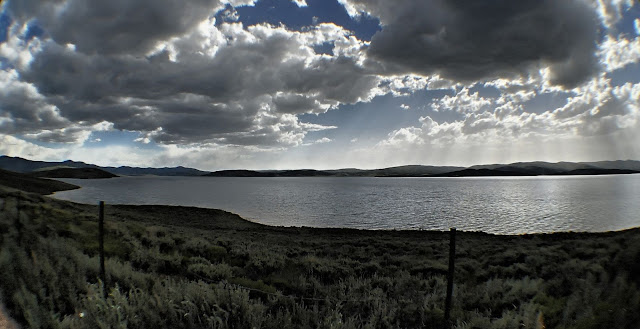
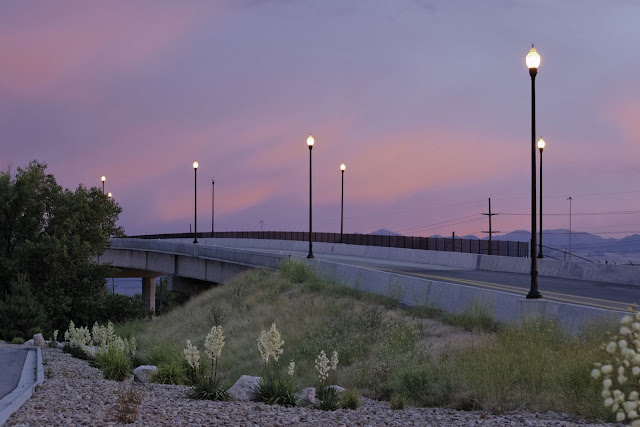
Also, I took this with my mom's Nikon (D40X) on the auto setting. It looks like a painting.
"Wuap's "problem" is that he is smart & principled & committed to a moral course of action. His actions are supposed to reflect his ethical code.
The rest of us rarely bother to think about our actions." --Solon
Ain't it like most people, I'm no different. We love to talk on things we don't know about.
Dig your own grave, and save!
"The only one of us who is so significant that Jeff owes us something simply because he decided to grace us with his presence is falafel." -- All-American
"I know that you are one of the cool and 'edgy' BYU fans" -- Wally
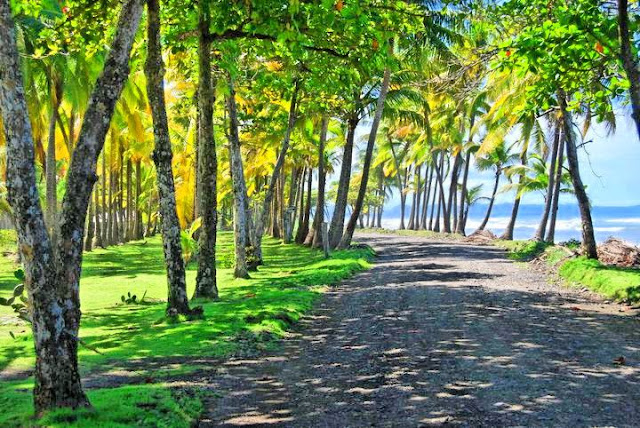
What a lovely picture. I dont think it needs correcting or any kind of adjustment. I hope you don't mind, but I have been playing around with new software called dX0 Pro (Free 30 day trial) and I really wanted to see what a preset filter called "postcard" would do. I didn't have any suitable pictures that are like postcards, so I tried your photo. It's supposed to brighten up pictures a little past reality, sort of like the cheap touristy postcards you see on holiday. Not sure how I feel about this filter.
What a lovely picture. I dont think it needs correcting or any kind of adjustment. I hope you don't mind, but I have been playing around with new software called dX0 Pro (Free 30 day trial) and I really wanted to see what a preset filter called "postcard" would do. I didn't have any suitable pictures that are like postcards, so I tried your photo. It's supposed to brighten up pictures a little past reality, sort of like the cheap touristy postcards you see on holiday. Not sure how I feel about this filter.
KL, I don't mind; I think it's cool. My daughter says, "it really looks like a painting now."
"Wuap's "problem" is that he is smart & principled & committed to a moral course of action. His actions are supposed to reflect his ethical code.
The rest of us rarely bother to think about our actions." --Solon

 Tweet
Tweet




Comment